Feather Tools Blog
Tracking Habits with Pen and Paper
Sticking to habits long-term can be pretty challenging. I used to rely on habit-tracking apps, but after a while, they started to feel a bit stale. Since I already prefer using pen and paper for planning my to-do lists, I figured why not track habits the same way?
One day, I was browsing GitHub and had a sudden inspiration - why not create an annual habit tracker chart?
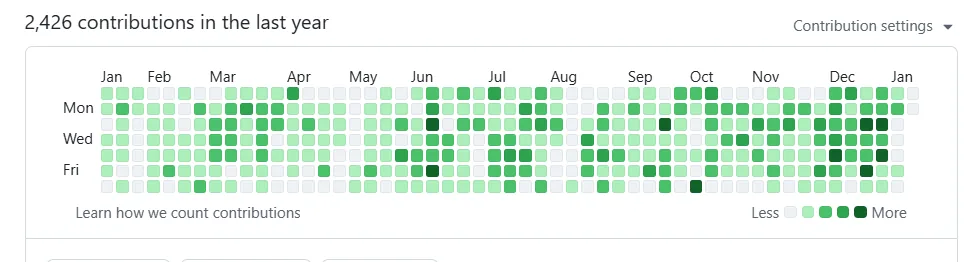
I immediately downloaded a few Excel templates, but quickly got frustrated trying to customize them. I don’t really have a knack for Excel design - getting the right formatting and column widths requires some serious spreadsheet wizardry, and honestly, I’m a bit lazy. So I decided to build my own generator that could precisely create tables with the exact dimensions and styling I wanted.
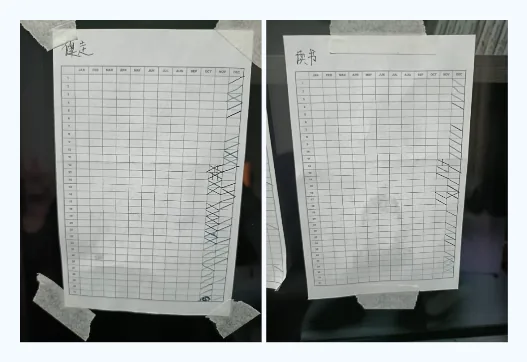
I created a simple web-based chart generator and printed it out to stick on my bookshelf. This way, I can see it anytime I want. Each day, I just draw a line through the corresponding box to mark completion. It’s been working great, though I did find myself having to scan all the way to the left to find the right date, and sometimes I’d mark the wrong day.
So I made a small improvement - I added the dates directly inside the boxes and highlighted weekends. Now finding the right date is much easier.
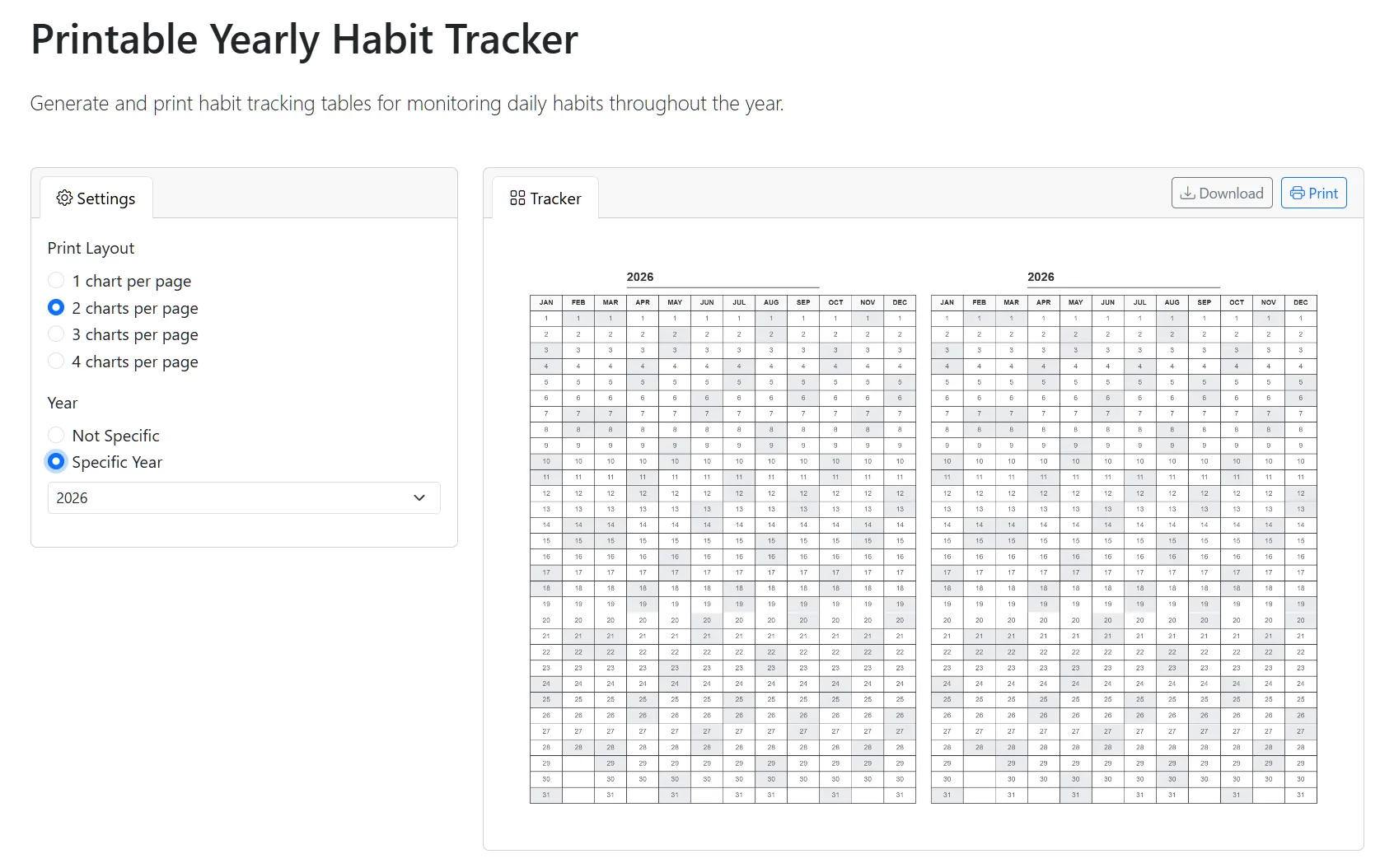
This tool is designed for easy printing. If you try to print just one chart per A4 page, it feels wasteful, so I added support for printing multiple charts on a single page - up to four charts per page. This saves a lot of paper. You can specify a particular year to mark weekends automatically, or leave it blank and just use the 31-day grid for your own creative use.
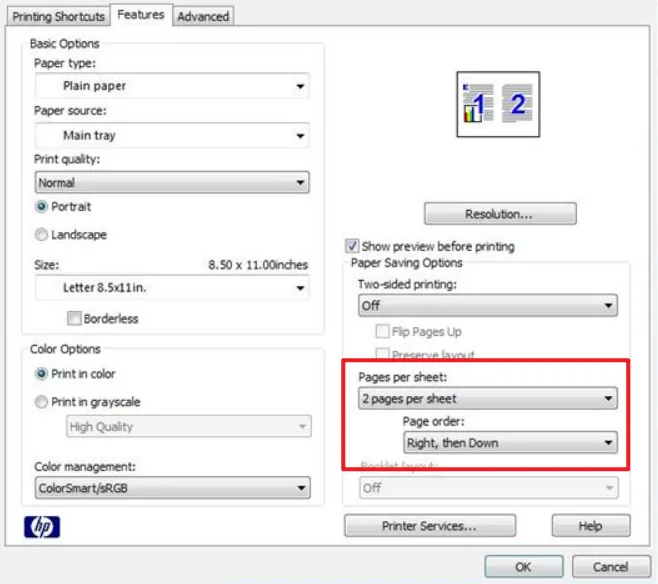
While you could achieve the multiple-charts-per-page effect using your printer’s paper-saving settings, those options are often buried deep in menus and might take some effort to find. Having the program draw multiple charts directly on the page makes it much simpler and more convenient.
The habit tracker generator.
https://feather-tools.com/habit-tracker
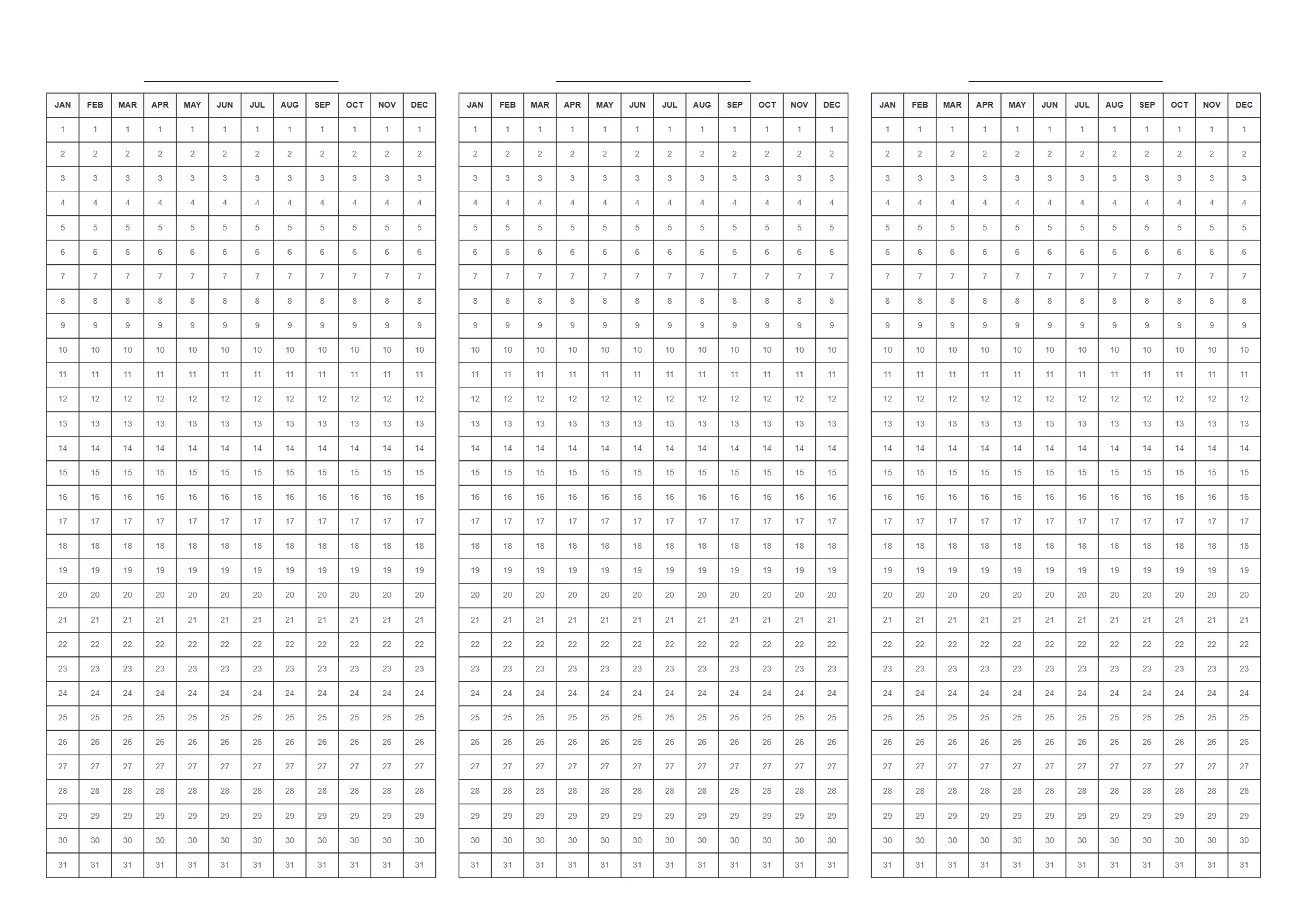
If you don’t feel like using the tool, you can also just download the image and print it directly to start your 2026 habit-building journey.